Ask Zicy
What this is for, in one sentence: Ask Zicy is the assistant built into every screen — click the lightning icon on any panel and ask, in plain language, what a number means, whether it’s good, and what to do about it, with answers grounded in your own workspace data.
When to come here:
- The moment a metric raises a question you’d otherwise have to google — “is 24.3% share of voice good?”
- When you want a plain-English briefing of a period without assembling it yourself
- Any time you’re new to a module and would rather ask than read
Sarah Lim doesn’t have an analyst, an agency, or an afternoon to decode dashboards. Ask Zicy is the difference between a tool that assumes expertise and one that supplies it — the question mark in her head gets typed into the panel, and the answer comes back in her data, not in generalities.
Opening it from anywhere
Section titled “Opening it from anywhere”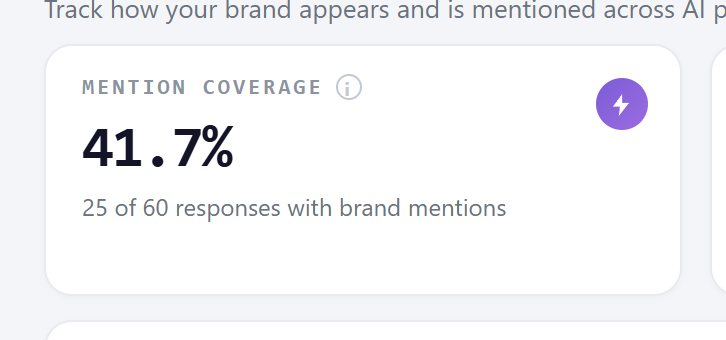 Every panel and metric card carries a small lightning icon in its corner. Click it and Ask Zicy opens on the right, already in the context of the panel you were looking at — ask about the Mention Coverage card and it answers about your mention coverage, not the concept in the abstract. That contextual entry is the whole point: the help lives where the confusion happens, so you never leave the screen to understand it.
When you move to another screen, the panel gets out of the way — it closes, or docks to the side rather than floating over the page — so it never sits on top of a button you’re reaching for. You can read an answer and act on the same screen without the assistant covering your next click.
Asking, and what comes back
Section titled “Asking, and what comes back”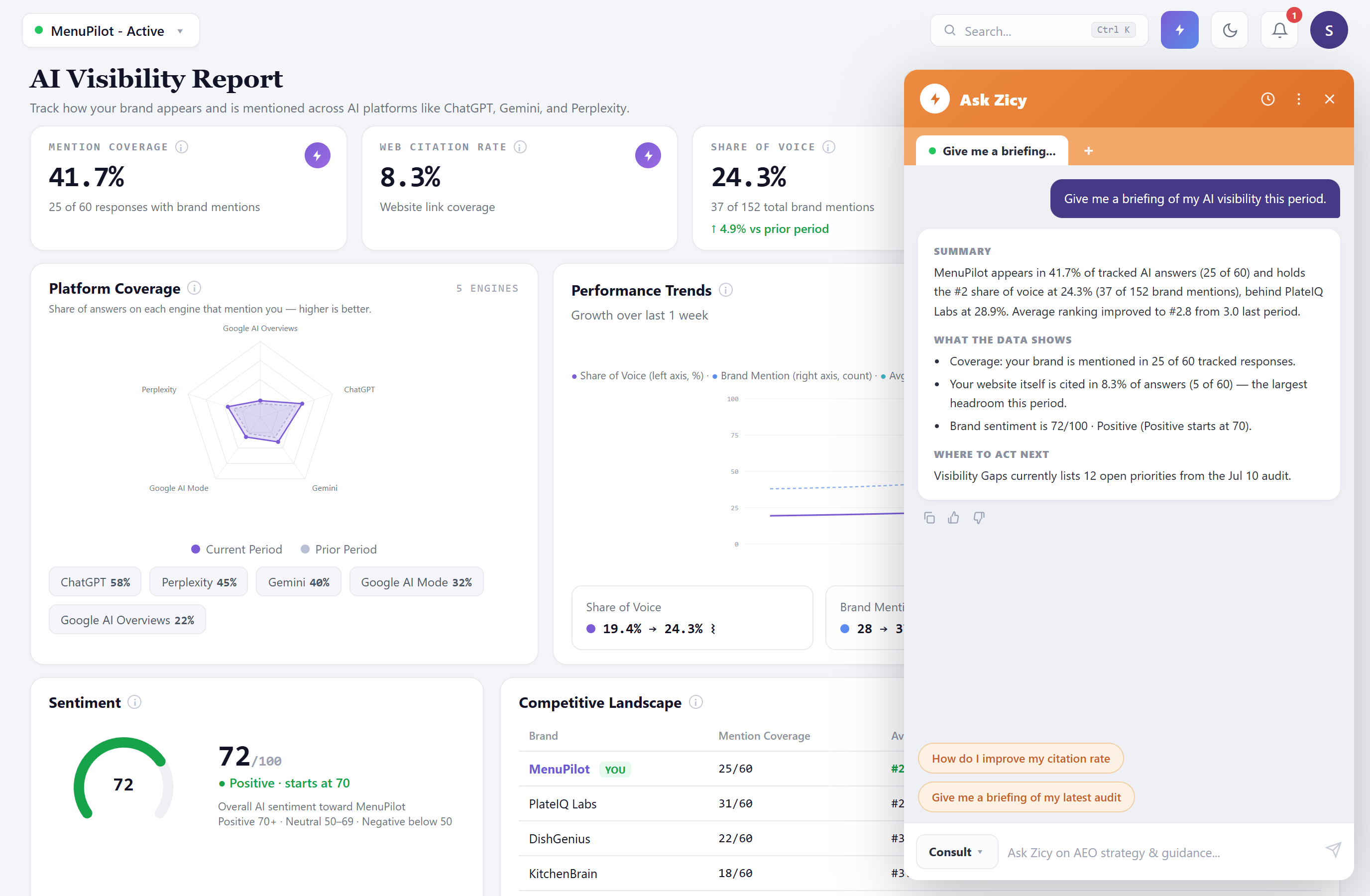 Type a question the way you’d ask a colleague — “Give me a briefing of my AI visibility this period” — and the answer comes back structured rather than as a wall of text: a Summary in two or three sentences, What the data shows with the specific numbers behind it, and where to act next. The numbers in the answer are your numbers: the same coverage, share of voice, and ranking figures on the dashboard behind the panel, cited with their working.
When an answer points you at another module, the left nav makes it easy to follow: modules are shown as readable text labels, so the name Ask Zicy quotes is the name you look for in the sidebar. Conversations live in tabs along the top of the panel, so a briefing thread and a “how do I fix this” thread can run side by side, and the history control brings back earlier ones. Each answer carries copy and feedback controls — copy for pasting into a note or an email, thumbs to tell the product when an answer helped or missed.
The suggested prompts above the input are worth a look before typing: they’re shortcuts to the questions most people in your situation ask next.
Treat answers as a briefing, not a verdict. Ask Zicy is a generated summary of your data — an excellent first read, and the fastest route to “what does this mean.” For anything you’re about to act on or report upward, click through to the module it’s summarizing and confirm the numbers on the screen that owns them. The panel is the shortcut; the module is the record.
Guidance that may change as the product evolves: the assistant’s scope is your workspace’s data and general AI-visibility guidance. If an answer seems to reference data you don’t recognize, ask it where the number comes from — and check the underlying module before relying on it.
Common questions
Section titled “Common questions”What can Ask Zicy actually see? Your workspace: the metrics, modules, and history behind the screens you’re looking at. Its answers cite the same figures the dashboards render — which is also your check that an answer is grounded.
Is it the same as the help articles? Complementary. This knowledgebase explains how modules work; Ask Zicy explains what your numbers mean right now. When an answer points at a module you haven’t used, the matching article here is the deeper read.
Can I ask it what to do, not just what things mean? Yes — “how do I improve my citation rate” is a fair question, and the answer will point at the relevant modules and actions. Treat the suggestions as a starting sequence, and use Visibility Gaps and the Action Center as the places where recommended work actually gets tracked and done.
Do my questions affect my quotas? Check the quota panel in Settings for what your plan meters. If you’re unsure whether a heavier request consumes an analysis, the assistant will tell you before it runs one — and when in doubt, ask it directly.
An answer was wrong or unhelpful — what should I do? Use the thumbs-down on that answer, then verify against the module. Generated summaries are probabilistic; the feedback genuinely tunes what you get next time.
What to read next
Section titled “What to read next”- Getting Started: Your Dashboard — the screen most Ask Zicy questions start from.
- Visibility Gaps — where “what should I do about it” becomes an actual prioritized list.
- Action Center — where the fixes Ask Zicy points you toward get produced.